Skip to content

Registered charity · ABN 90 346 006 002 · Neighbourhood House, Gippsland

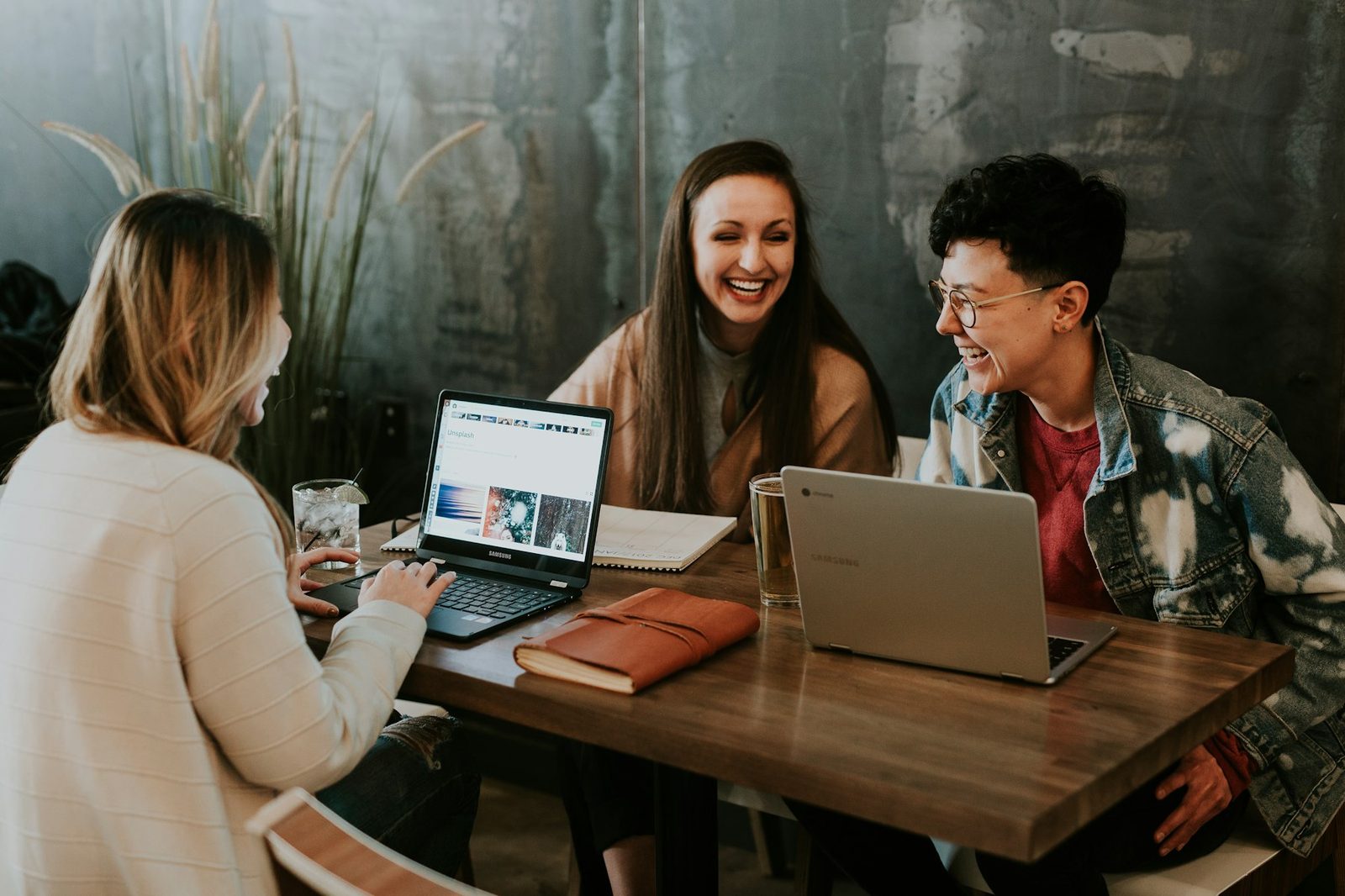
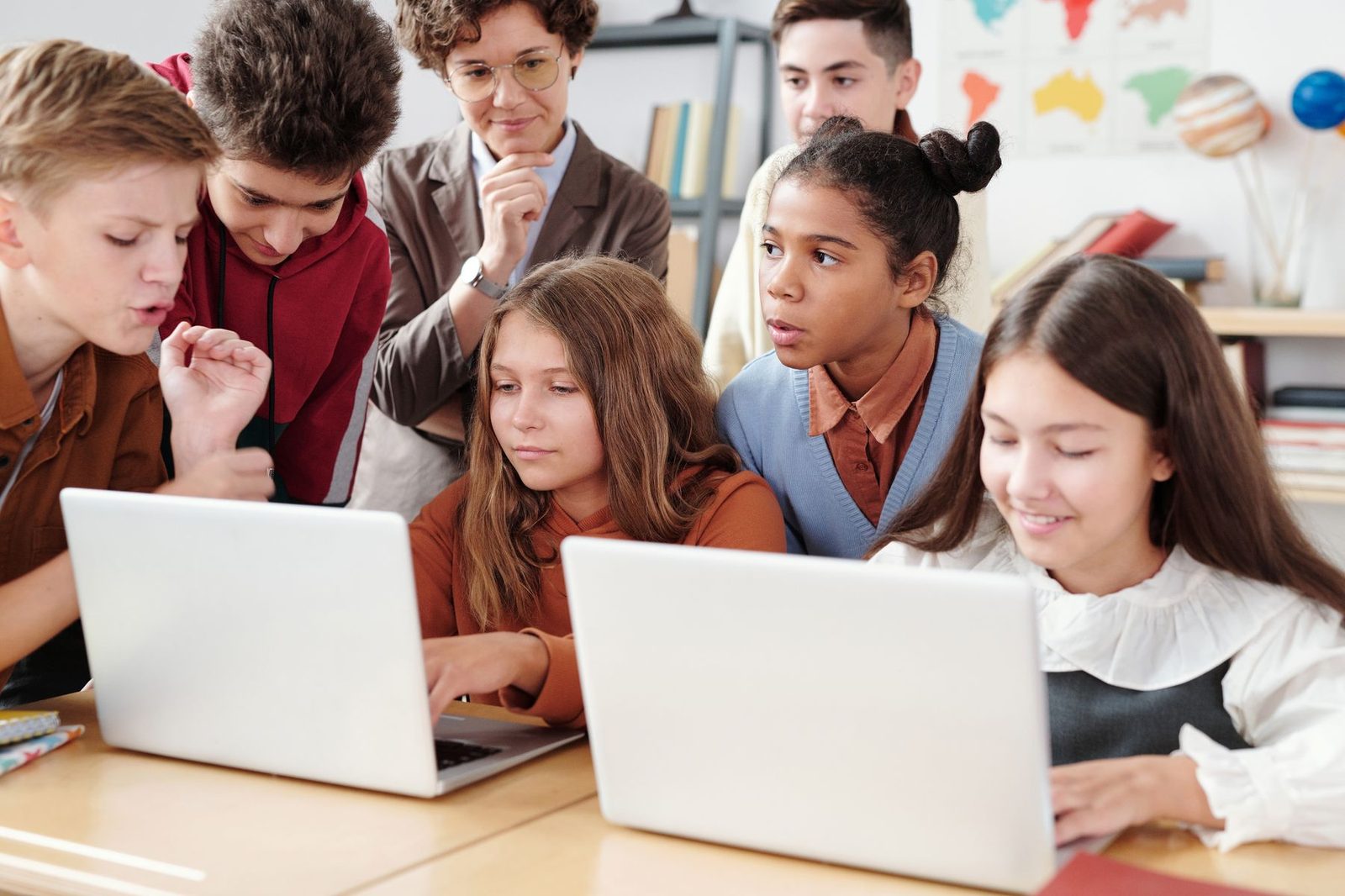
Teenagers learning together on laptops.

Digital skills

Rural people deserve the same tools the city takes for granted.

We teach AI, digital arts, editing, social media, websites and hosting so neighbours can work, publish and earn from Gormandale — not only after they leave it.

Why this, and why now

For most of our history the House taught what a small town needed that week: a meal, a garden bed, a joint that needed gluing, a painting to take home. That work continues. What we will not do is pretend the labour market, the shopfront and the job application still look like 1989.

Employers now expect people to use AI as a drafting partner. Local makers need a way to show work that is not a photocopied flyer. Young people already film on their phones and have no one to tell them how to cut, caption and upload without giving the platform everything. Older workers are locked out of roles that list “basic digital skills” as if that were a personality trait.

So the House is building a practical pathway. Sessions are short, local, and aimed at people who do not already live in software. We use the same room as the art program and the same kitchen timetable as lunch. The point is income and agency, not a certificate that impresses no one.

The pathway

Eight skills. One purpose: you can use this to live.

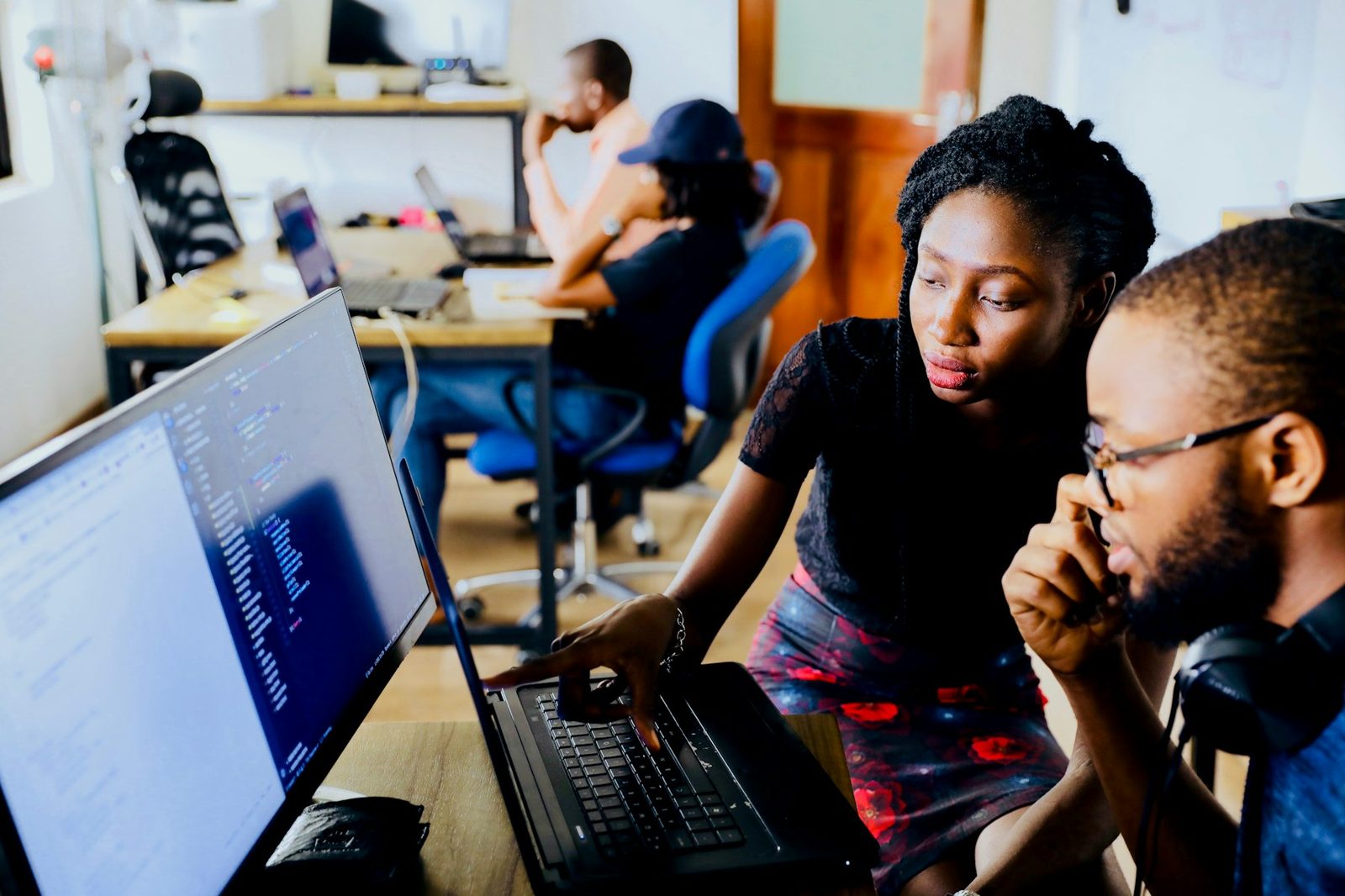
Teenagers and a tutor working together on laptops.

AI for work and career

How to use current AI tools as a junior colleague: drafting, research, job applications, admin, and the judgement to check what they produce. We teach the tools people actually meet at work — and the habits that keep your own thinking in charge.


Hands mixing paint during a digital and studio arts session.

Digital arts

Illustration, layout and image-making on a computer, building on the House art program. Learn to take a drawing, a photo or a garden sketch and turn it into something you can print, post or sell.

A young woman with a camera, learning to shoot and edit video.

Video and image editing

The basics of cropping, colour, cutting and exporting — on free or low-cost software. Enough to fix a photo for a listing, cut a short clip, and stop being stuck with whatever the phone spits out.

A young person filming content on a phone mounted to a tripod.

Social media, content and vlogging

Content creation without pretending you are a brand agency. Planning a post, filming a simple vlog, uploading video, writing alt text, and using a channel to find customers, tell a story, or promote a local thing that needs promoting.

Young adults collaborating around laptops in a workshop.

Websites you can actually publish

From a one-page site to a small multi-page presence: structure, writing for the web, and deploying so the work is on the public internet — not stuck on a USB. Includes how hosting and domains actually work, in plain language.

Young people gathered around a laptop learning to build for the web.

Basic web app development

A first look at interactive sites: forms, simple tools, and the difference between a brochure page and something that does a job. Aimed at beginners who want to understand the craft, not at people already employed as developers.

A laptop showing code — the last step before a site goes live.

Hosting your own work

How to put a site, a portfolio or a shop-window on the web and keep it there: hosting, custom domains, www versus the root domain, and the small maintenance that stops a site rotting.

Local makers at a community market — skills that can also live online.

Making a living in the digital world

The point of the rest of the list. How these skills become invoices: freelance bits, a side stall that also sells online, a service for other local businesses, a portfolio that gets you hired. Rural does not mean offline.

A young person filming on a phone mounted to a tripod.

Who it is for

  • Young people who already make content and want it to be usable for work.
  • Adults returning to work who keep seeing “must be confident with AI and Microsoft 365”.
  • Makers, growers and trades who need a website, a reel, or a shop-window that they control.
  • Anyone who has been told they are “not a computer person” and would like that to stop being true.

Sessions are held during House hours, with evening options by arrangement. Bring a device if you have one; say so if you do not. We are actively seeking device and software grants so that “bring your own laptop” is not a hidden entry fee.

Ask about the next intake

Grants make this possible. We chase them on purpose.

Software, devices, training licences, accessible video tools and hosting credits are not decorations. They are how a small rural charity runs a digital pathway without charging people who cannot pay. See what we are pursuing — including Goodstack, Canva, Adobe, ElevenLabs and Microsoft for Nonprofits.

Grants and partners